UEFN Verse Scripts & Devices
Ready-to-use Verse code for Unreal Editor for Fortnite — drop-in devices, systems, and scripts you can read, edit, and ship.
Ready-to-use Verse code for Unreal Editor for Fortnite — drop-in devices, systems, and scripts you can read, edit, and ship.
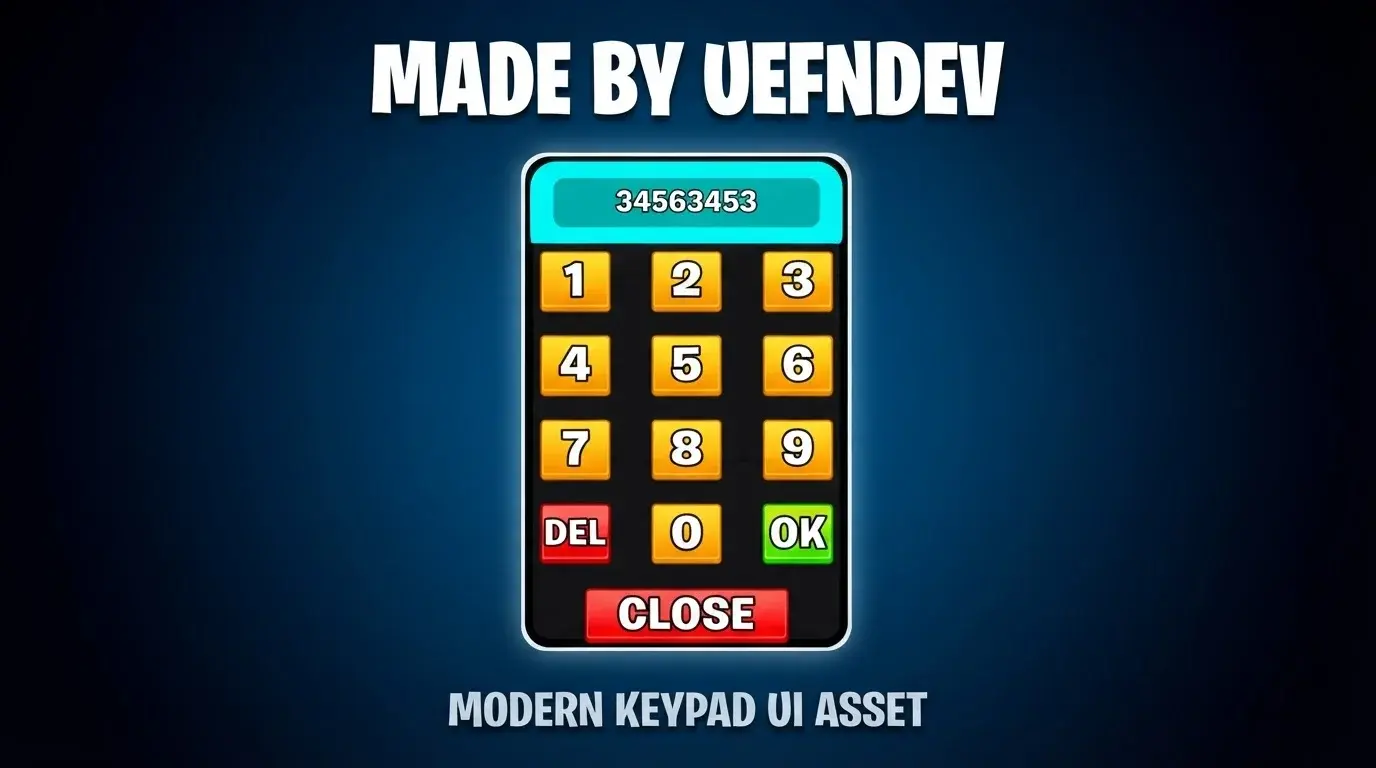
Verse is the programming language behind every custom mechanic in UEFN, and it is where most island projects stall. Writing a round system, a rank tracker, or a working keypad from scratch means learning the API surface, the device model, and the quirks of the current release — usually while your island sits half-finished.
The assets in this category are complete, working implementations you can open and read. Each listing ships with the Verse source, a README explaining how the pieces fit together, and a licence file that tells you exactly what you may do with it commercially. Nothing is obfuscated or compiled — the point is that you can learn from it and change it.
This is the largest part of the catalogue by a wide margin, which means it is also the most useful place to look first when you need a mechanic that someone has almost certainly already solved.