UEFN Textures & Materials
Texture sets and material assets for Unreal Editor for Fortnite — surfaces, patterns, and PBR maps ready to import.
Newest textures & materials
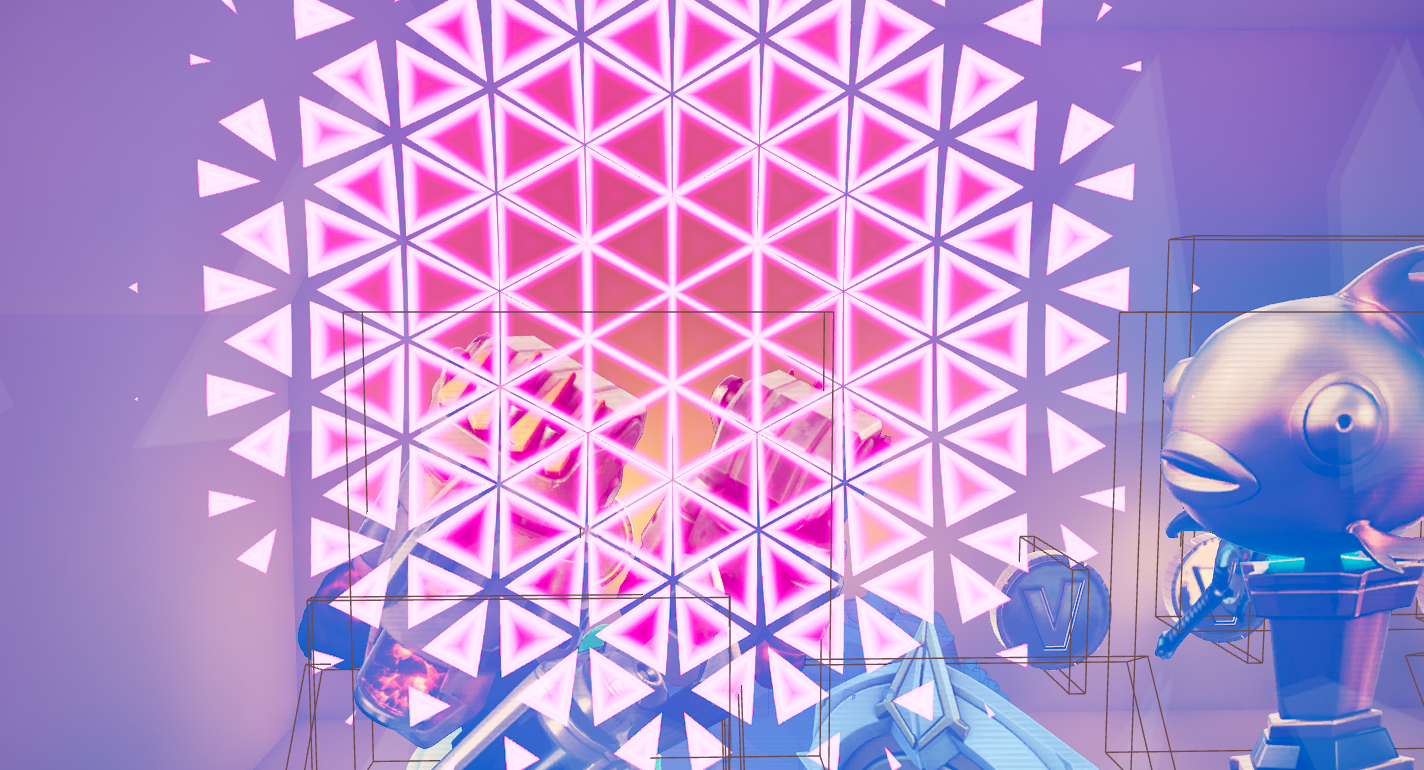
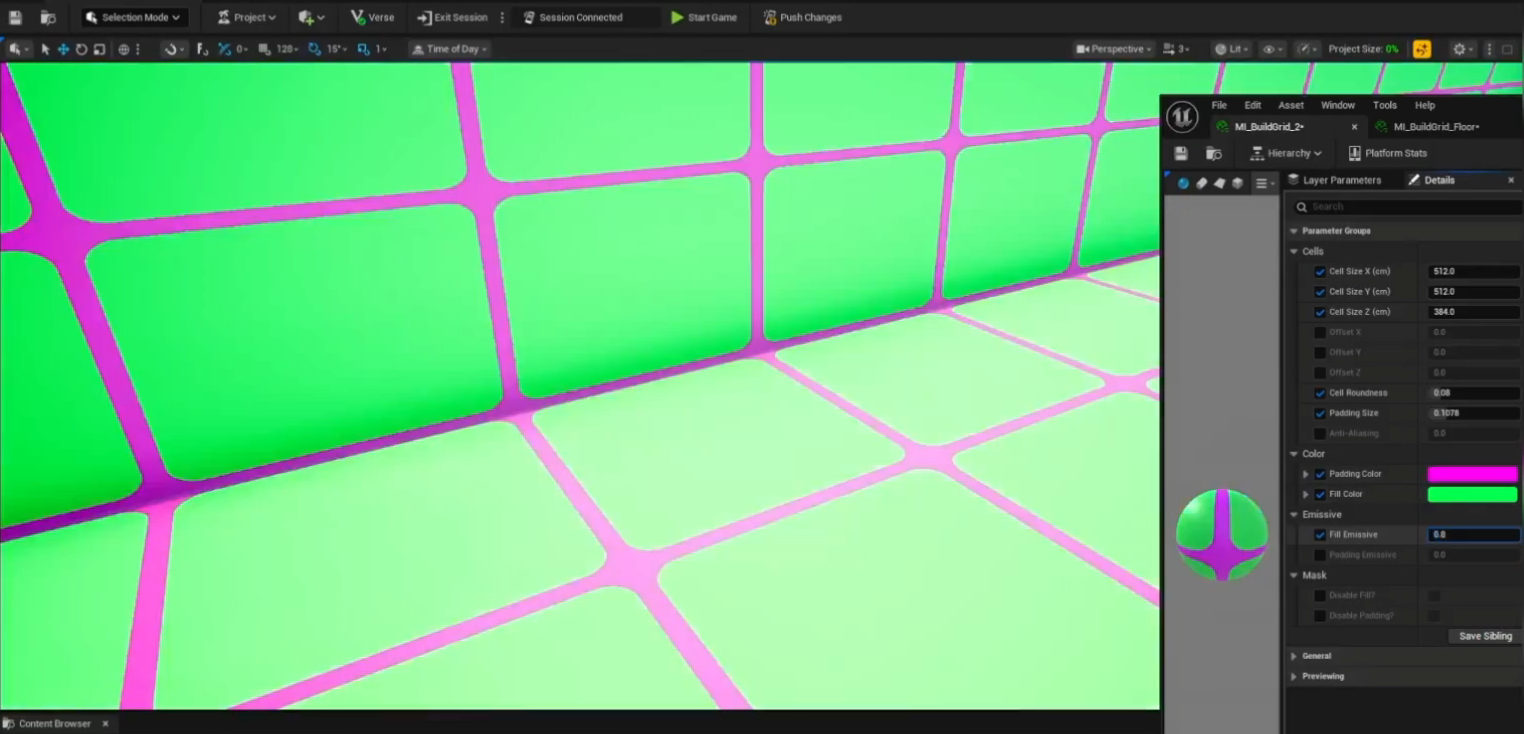
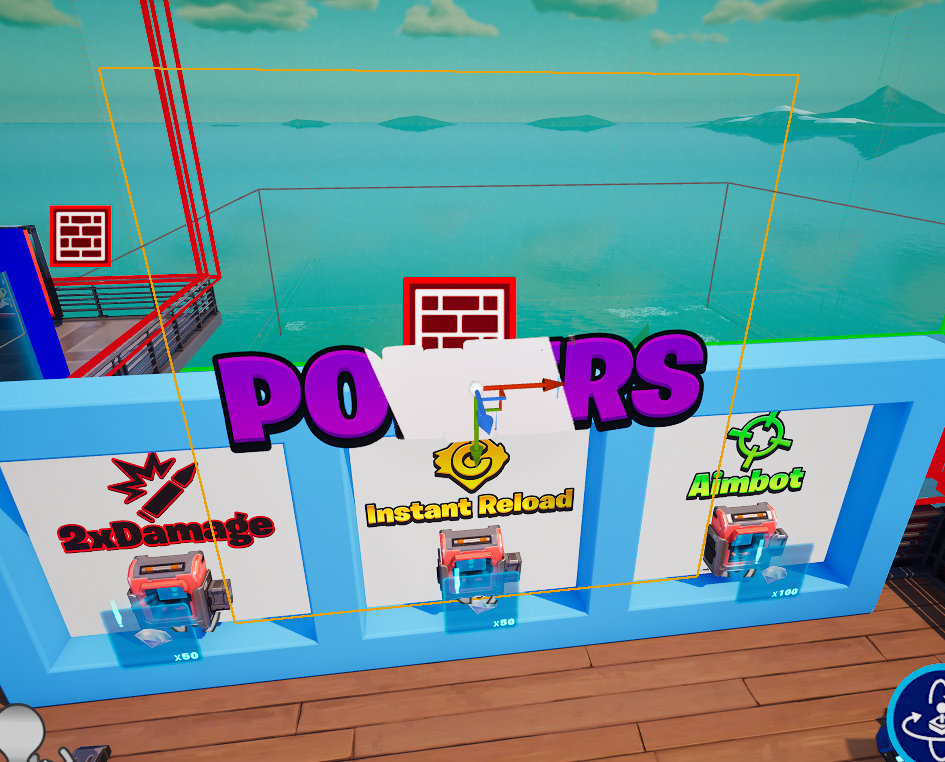
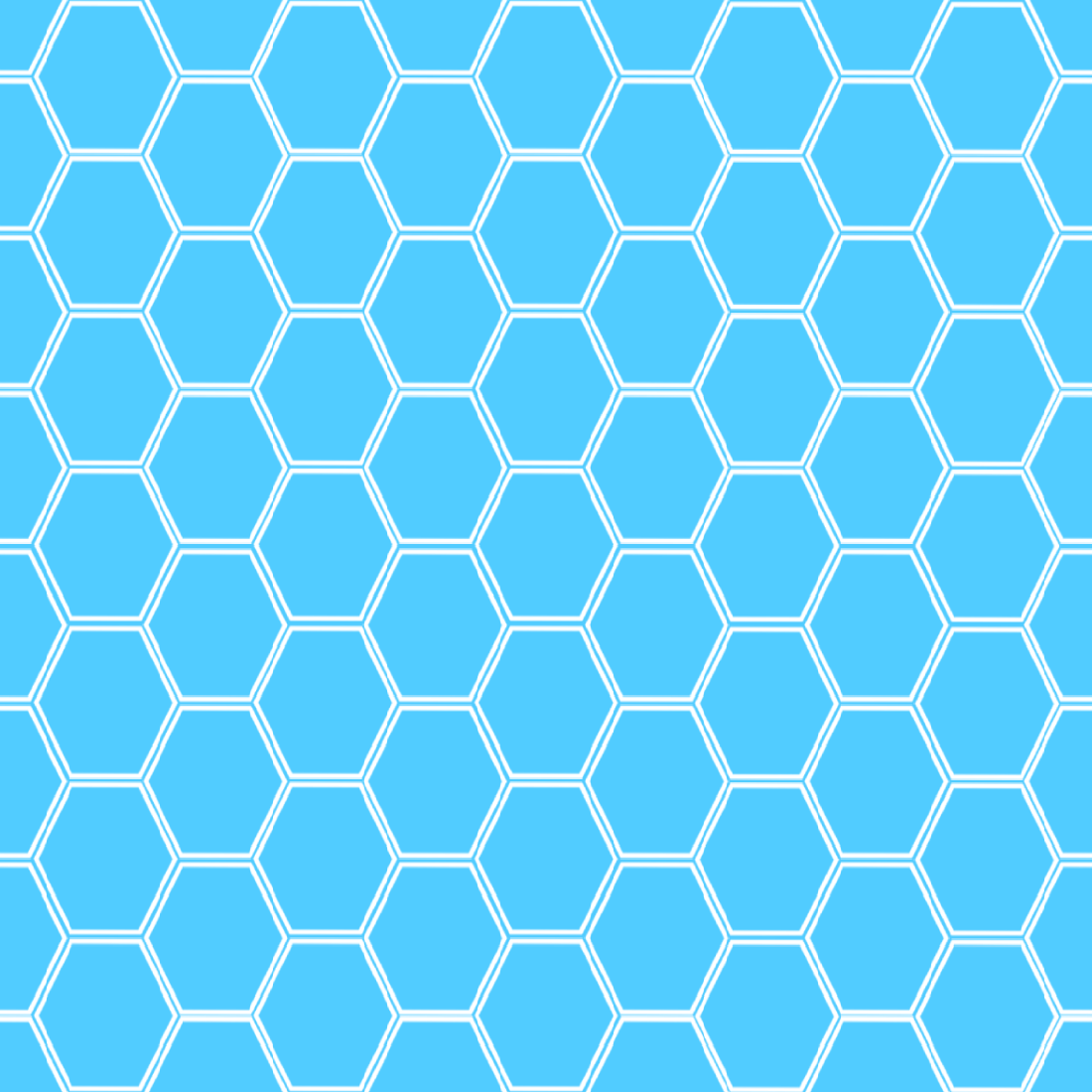
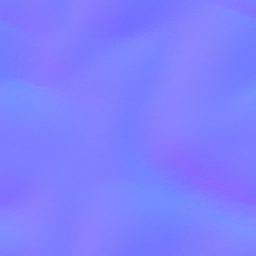
Texture work is the fastest way to make an island stop looking like a greybox. Custom surfaces, decals, and patterned materials change the read of a space far more cheaply than new geometry does, and they cost almost nothing in terms of memory budget compared with additional meshes.
Assets here are supplied at usable resolutions with the maps UEFN expects, so importing is a matter of dragging in the files and assigning them to a material rather than rebuilding a shader graph from scratch. Where a listing includes a full material set-up, the README explains which parameters are exposed and what they do.
Common questions
- What resolution are the textures?
- It varies by listing and is stated on each asset page. Check the preview images and description before downloading — sellers describe the maps and resolutions included.
- How do I import a texture into UEFN?
- Drag the image files into the UEFN content browser, then create or edit a material that references them. Assign the material to your mesh or use it on a prop. UEFN handles the compression on import.